
Working from home has its perks—commuting in your slippers, making lunch in your own kitchen, and creating a workspace that suits your personal style. But it also comes with its own set of challenges, especially when it comes to organizing paperwork. Even in our increasingly digital world, remote workers still deal with a surprising amount of physical paper—notes, receipts, printed reports, contracts, and more. If your desk is starting to look like a recycling center, it’s time for a paper management strategy. Here are some simple, effective paper organizing ideas for remote workers.
Also, check out this post on 10 Simple Ways to Organize a Small Home Office on a Budget.
If you are new to the blog, welcome! I blog and make videos about cleaning, decluttering, and organizing. You can find my free printables to help you get organized in the drop down menu under the Printables category at the top of this page. Also, check out this post on 10 things people with clean homes do every day. Now, let’s look at some ways to hack your home and make it easy to keep organized.
Also, check out this post on 20 Ways to Hack Your Home to Make It Easy to Keep Organized.
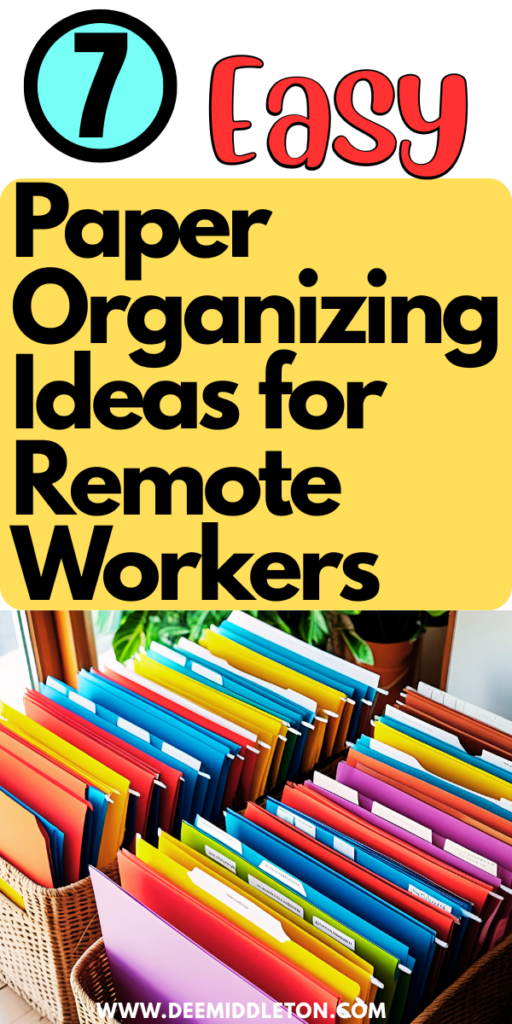
7 Easy Paper Organizing Ideas for Remote Workers
1. Create an Inbox Tray System
Even if you’re mostly digital, having one physical “inbox” tray can prevent papers from scattering across your workspace. Use a letter tray or desktop organizer to collect all incoming documents. Once a day or week, go through it and file, scan, or shred accordingly.
Tip: Label multiple trays as “To File,” “To Read,” and “To Act” if you deal with a larger volume of paper.
2. Go Digital Where Possible
Scan important papers and save them in organized digital folders. Use apps like Adobe Scan, CamScanner, or Dropbox to digitize documents quickly. Set up a simple folder structure on your computer (e.g., Clients > Client Name > Contracts) to make files easy to find later.
Bonus: This not only reduces clutter, it also makes your documents searchable and accessible from anywhere.
3. Use a Filing Cabinet or Portable File Box
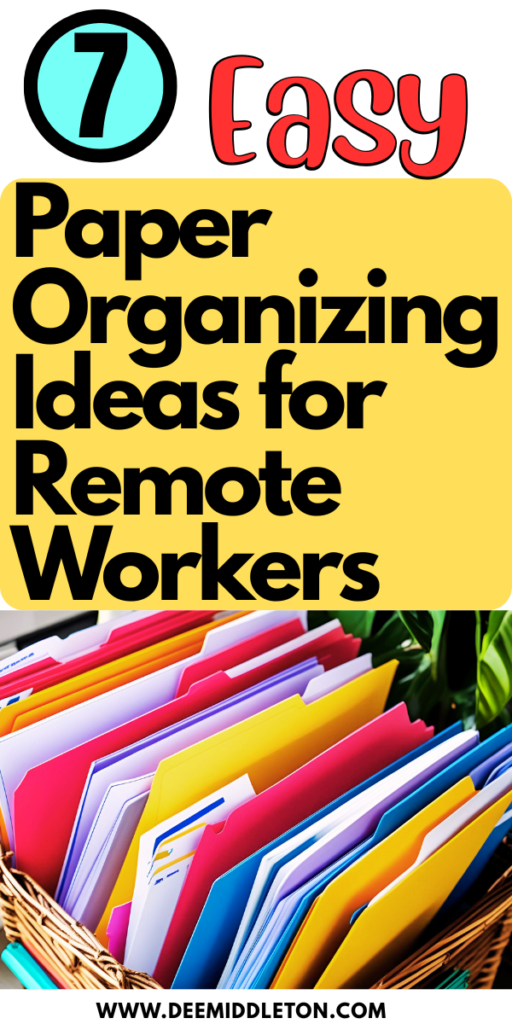
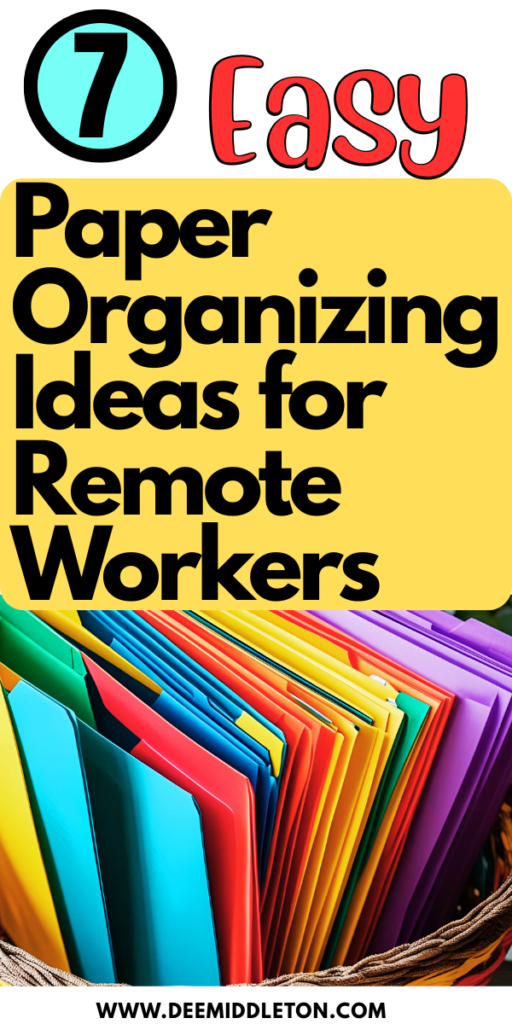
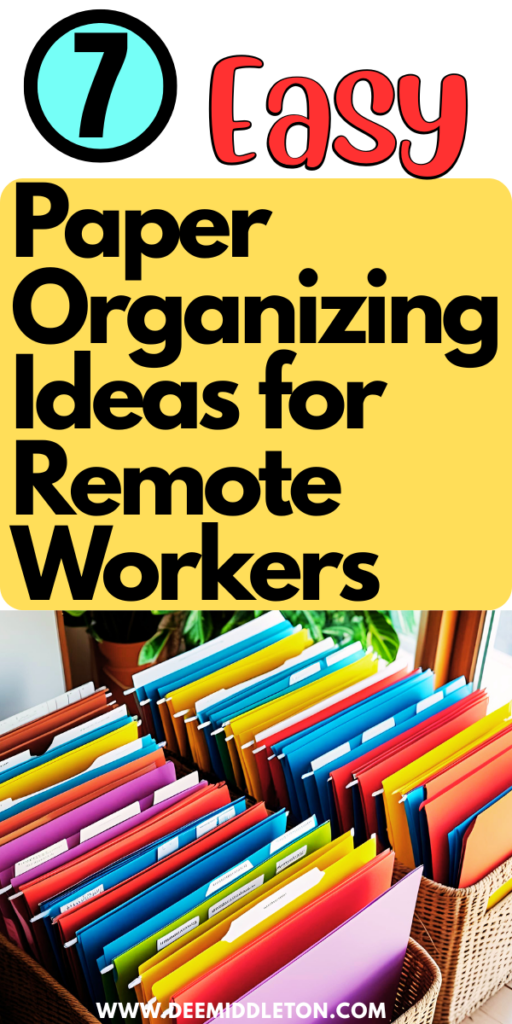
Even in a paper-light office, a filing cabinet is still useful. Choose a compact one or a portable file box if you’re short on space. Use labeled hanging folders for categories like Taxes, Receipts, Work Projects, or Personal Docs.
Color-code folders to help you visually sort categories at a glance.
4. Sort Weekly, Purge Monthly
Set a recurring reminder to sort papers once a week and do a full purge once a month. Shred or recycle anything you no longer need. Don’t let outdated papers clog your system.
Ask yourself: “Would I ever need this again—and if so, is it already stored digitally?”
5. Use Binders for Active Projects
If you’re juggling multiple projects or clients, binders are a great way to keep everything in one place. Use tab dividers to separate sections (e.g., Meeting Notes, Invoices, Plans) and store them vertically on a shelf for easy access.
6. Keep Supplies Handy
Make sure your home office has what you need to stay organized: labels, folders, a shredder, scanner, sticky notes, and pens. If it’s easier to organize, you’re more likely to stick with it.
7. Set Up a Command Center
If you work from a shared space, like the kitchen or living room, set up a compact “command center” with file pockets on the wall, a desktop organizer, and a calendar. This can help keep both work and personal paperwork from blending into chaos.
Paper clutter can sneak up on you when working remotely, but it doesn’t have to rule your space. By implementing a few systems that fit your workflow, you can stay productive, focused, and clutter-free. Whether you’re a minimalist or a binder enthusiast, the key is consistency.
Take control of your paper—so your paper doesn’t control you.
Recent Comments